

Candidate experience
What candidates do - open link, check devices, record, review, submit. No account or install.
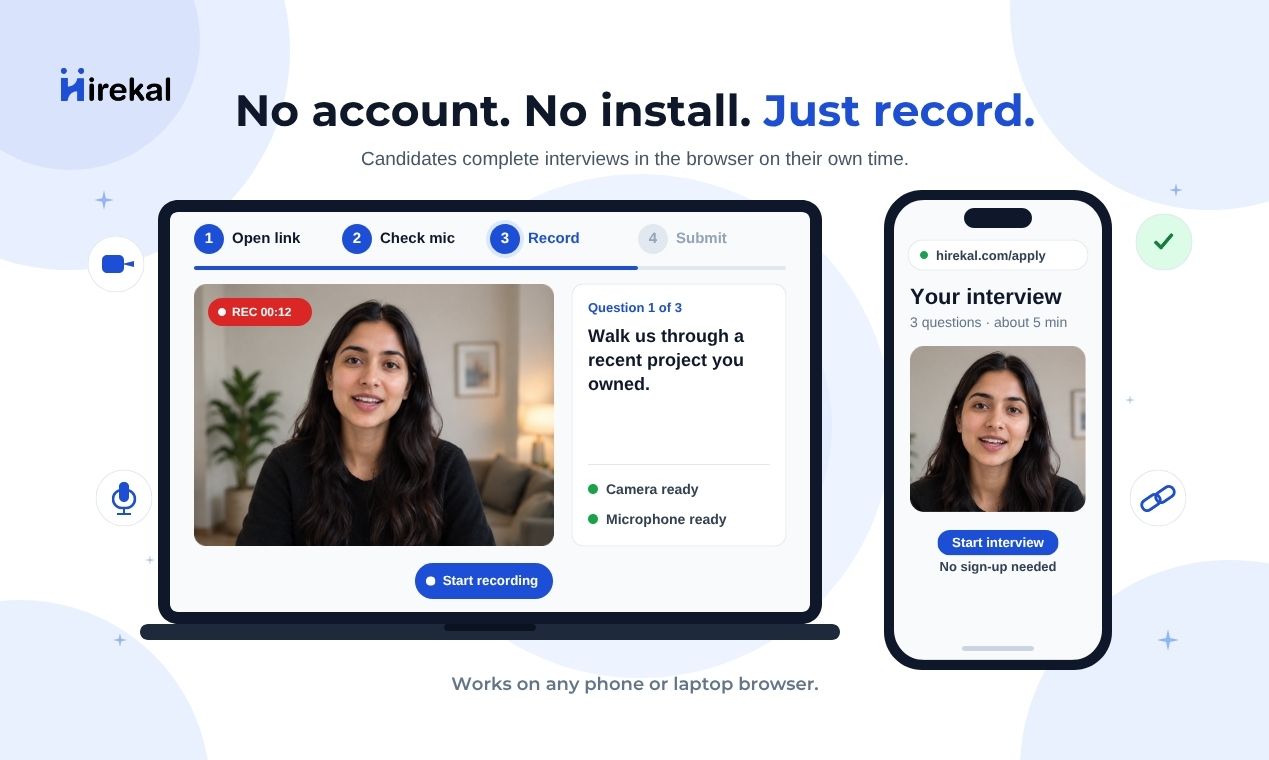
See Candidate experience on the main site for the same apply flow candidates follow: open link, record in the browser, submit - no Hirekal account.
Candidate flow
Candidates arrive from email or a job posting.
Preview devices before recording starts.
Answer each question on video in the browser.
Replay answers, then submit. Confirmation uses your thank you page.
Intro banner or video
If you added intro media in Job setup, candidates see a welcome image or video first — plus your company logo and name when configured in Job settings. Organization Branding applies your colors and font across the apply page. This helps them understand the role before they start the form.
What candidates fill in
Before recording video, candidates complete the application fields and standard questions you configured on the job. The apply flow runs in the browser - no account or install.
Application fields
These are profile-style inputs - contact details, resume upload, or custom data you require.
| Field type | What the candidate sees |
|---|---|
| Text, email, phone, URL, number, date | Normal form inputs on the apply page |
| File | Upload a document - for example a resume PDF |
| Hidden | Not shown. The value is set automatically (for example tracking which campaign or link they came from) |
Standard questions
After application fields, candidates answer your standard questions one by one:
| Question type | What the candidate does |
|---|---|
| Text / Multiline text | Type a written answer |
| Email / Number / Date | Enter the requested value |
| Single choice | Select one option from your list |
| Multiple choice | Select one or more options from your list |
| Video | Record an async video answer in the browser (camera and microphone check first) |
Written answers appear in the recruiter console as text. Video answers appear as recordings your team watches during review.
No account required
Candidates do not need a Hirekal account, desktop or mobile install, or a scheduled live call for the async round. They use a modern browser with camera and microphone permissions.
Device and browser
Desktop and mobile browsers are supported. A stable internet connection is recommended for upload. Candidates can re-check devices before each recording if needed.
After submit
Candidates see your configured thank-you page message or redirect. They cannot edit submissions after final submit; the recruiter-side process continues in the console under Interview workflows.